How to keep track of inventory for a small business
A simple way to track small business inventory: a code for every shelf, a SKU for every product, counts you can trust and a reorder point, with a free calculator.
To keep track of inventory in a small business, give every storage spot a short location code (like A-2 for aisle A, shelf 2), give every product a SKU, record how many of each are in each spot, and update the count every time stock comes in or goes out. Then set a reorder point for each product, so you know to reorder before a shelf runs empty, and recount a few shelves every week to catch mistakes. A spreadsheet or a simple app does this; you don't need a warehouse system until you have many locations, many staff or barcode-scanned sales.
The four things every inventory needs
| What | Why it matters | Example |
|---|---|---|
| Location | so anyone can find it without asking | Aisle A, shelf 2 · Back room · Van |
| SKU | one code per product, so two people never call it different names | MUG-11-BLU |
| Count on hand | what's really there today | 46 |
| Reorder point | the count that means "order more now" | 20 |
Everything else (supplier, cost, category, photo) helps, but those four are what keep you from running out or buying twice.
✓ Checklist · tap to tick
Set up your stockroom
Locations
Products
Counts
Your ticks stay on this device only.
Name locations before you count anything
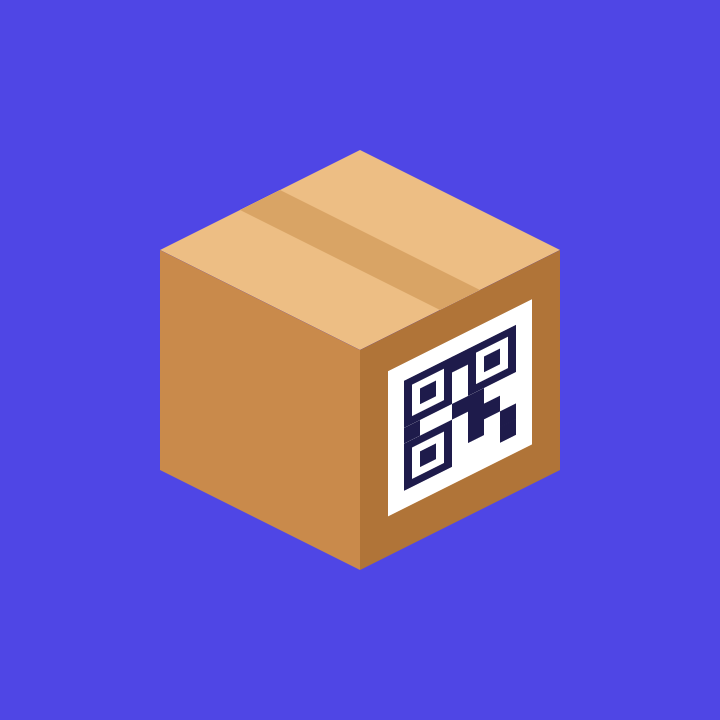
Most "missing" stock is really misplaced stock. If every shelf has a code and every product lives in a known spot, a count becomes a walk down the aisle instead of a search. Keep codes short and in walking order (A-1, A-2, A-3, then B-1), and put the label where you'd look first. A QR label lets anyone scan the shelf and see what should be there. The free QR storage labels print on ordinary paper.
If some stock sits in a storage unit, treat the unit like one more aisle; storage units for business inventory covers that setup.
SKUs that people can read
A SKU (stock keeping unit) is your own code for one product, down to its size and color. Make it readable: TEE-BLK-M tells you a black medium T-shirt at a glance, while a 12-digit number tells you nothing. Barcodes on the packaging (UPC or EAN) belong to the maker; your SKU is yours, and one product keeps the same SKU everywhere it's stored.
When to reorder
A reorder point is the count where you order again, so the new stock arrives just as the shelf gets low. It's what you'll use while you wait for the order, plus a little extra in case sales jump or the supplier is late:
Reorder point = units used per day × days to restock + safety stock
Type in your own numbers:
🧮 Calculator · your numbers
When should you reorder this product?
Nothing you type leaves this page. Use your own sales history for the daily number; for things that sell unevenly, use a busy week’s average.
The full method, with how to pick a safety stock, is on how to calculate a reorder point.
Counting without closing for a day
A full physical count once a year is the classic way, and many businesses still do one at year end. Between those, cycle counting keeps the numbers honest: count a few locations each week, fix any difference on the spot, and note why it happened (a sale not recorded, a delivery put on the wrong shelf, breakage). Count your fastest sellers and most expensive items more often than the slow ones.
Two habits make counts quicker: count one location at a time, top shelf to bottom, and keep opened cases together with a note of how many are left inside.
Spreadsheet, app or inventory system?
- A spreadsheet works for one location and one person updating it. It gets hard when two people edit at once, or when you need to know where something is, not only how many.
- A simple inventory app adds photos, locations, search and labels you can scan, and works on the phone you already carry onto the stockroom floor.
- A full inventory or point-of-sale system makes sense when sales should take stock off automatically, you have many staff, or you ship from several warehouses.
Pick the lightest one that answers the two daily questions: how many do we have? and where is it?
Taxes and records
If you sell products, your inventory also matters at tax time. IRS Publication 334 explains when a small business has to account for inventory, the cost of goods sold, and the simpler methods small businesses can use. Keep your counts and supplier invoices, and ask a tax professional which method fits you.
With BoxTrack
Make a location for each shelf, bay or bin, and snap a photo: Pax lists the products he sees, and you correct the names and counts. Turn on the SKU, Reorder at, Category and Aisle and shelf fields, and anything at or under its reorder point shows as low. Print a QR label per location, search any SKU from your phone, and export the whole list to Excel or CSV for your accountant or another system. BoxTrack keeps the list; it doesn't connect to your till or take stock off when something sells.
Questions
How do I keep track of inventory for free?
You can keep track of inventory for free with a spreadsheet or a free inventory app: give every shelf a location code, give every product a SKU, record the count in each location, and update it each time stock comes in or goes out. Set a reorder point for each product and recount a few shelves every week.
What is a SKU?
A SKU, or stock keeping unit, is a code a business gives one product, down to its size and color, so everyone refers to it the same way. Unlike a maker's barcode, a SKU is your own, and a readable one such as TEE-BLK-M tells you what the product is at a glance.
How often should a small business count inventory?
Many small businesses do a full count at least once a year, often at year end, and count a few locations every week in between (cycle counting). Count fast sellers and expensive items more often than slow movers, and fix any difference on the spot.
Is a spreadsheet good enough for inventory?
A spreadsheet is good enough for inventory when there's one location and one person keeping it up to date. It gets harder with several people, several locations, or when you need photos and to know where each item is; then a simple inventory app helps.
What is a reorder point?
A reorder point is the stock level at which you order more, so new stock arrives before you run out. It equals the units you use per day times the days a delivery takes, plus a safety stock for busy days or late deliveries.